Your stock data is stuck behind the counter. Your floor shouldn't be.
- No POS replacement
- Read-only — your till is never touched
- No installer in your shop
- Cancel any time
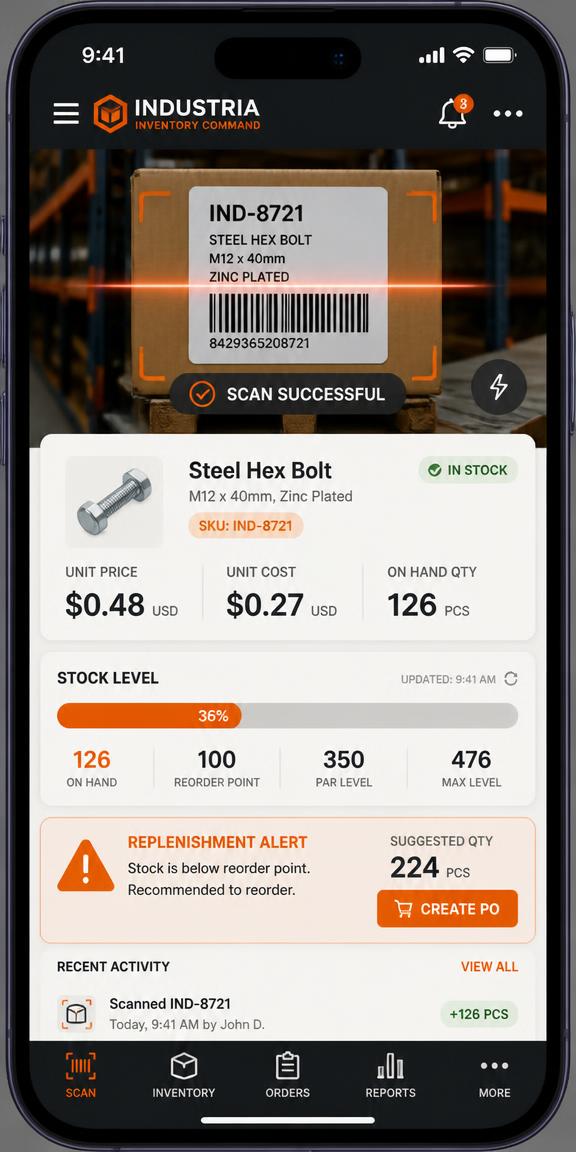
Legacy, established or cloud — all of them get mobile
PosBridge doesn't replace your point of sale — it reads the reports it already produces. Whether that's a 2005 back-office server, Retail Express, Square or Shopify POS: if it can export a file, print a report, share a sheet or write a nightly backup, it fits.
Legacy & discontinued
Still running the shop, no longer getting updates.
Established retail systems
Modern enough, but the reporting lives on a back-office PC.
Cloud & current tills
Great at selling, thin on warehouse picking and ordering.
+ any system that exports a CSV, Excel file or backup
Your system isn't broken. It's just stuck behind a counter.
Till systems — the twenty-year-old ones and the shiny cloud ones — are very good at what they do: taking money and keeping a ledger. What they don't do is follow you onto the floor, into the stockroom, or into a supplier meeting. Every gap between “the data exists” and “the data is in your hand” is paid for in walking, guessing, and stock that never gets sold.
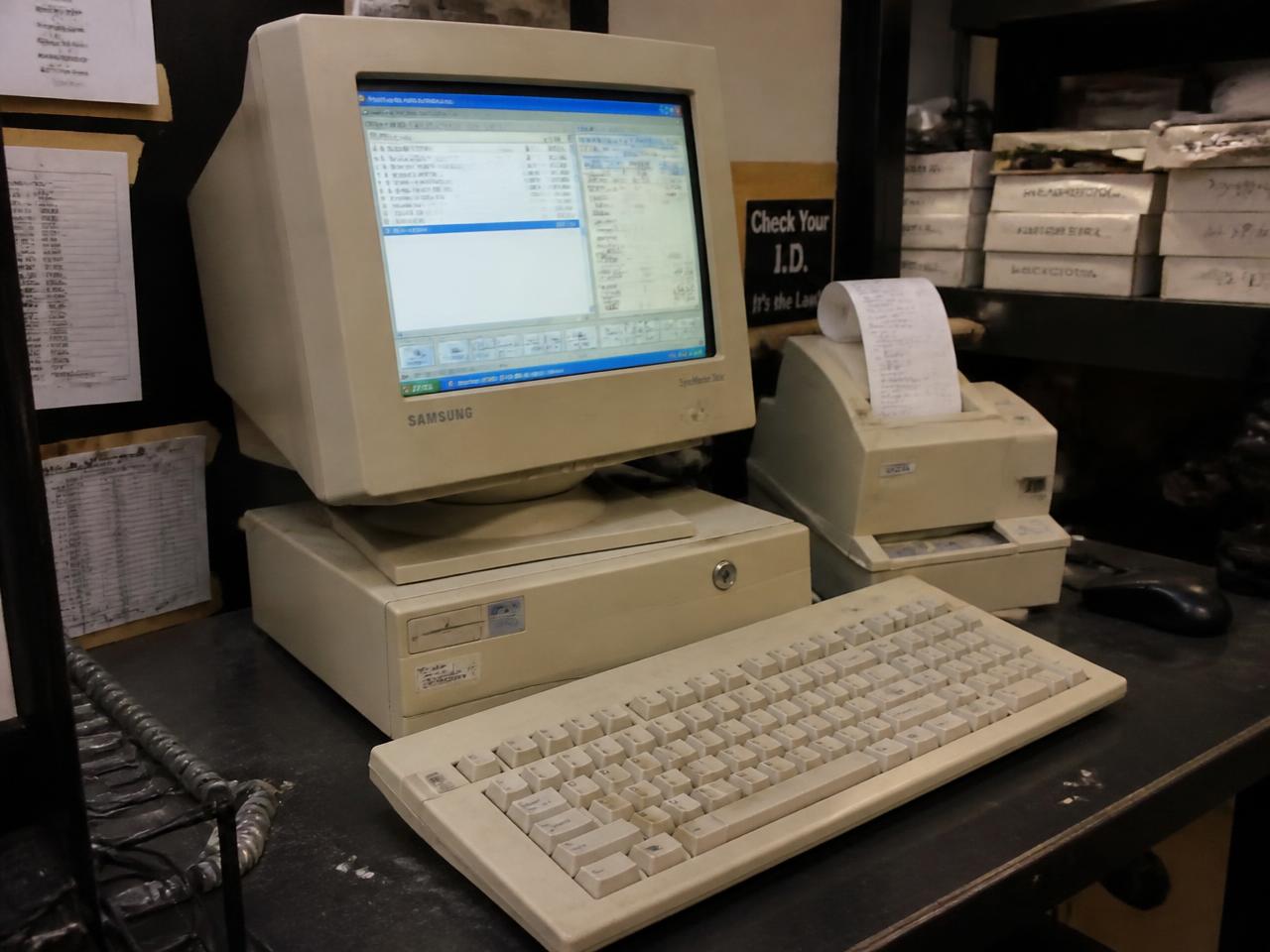
The money is rarely lost at the till. It's lost in the gaps.
Independent shops don't fail on price — they leak margin through invisible stock, missed reorders and unanswered customer requests. Here's where it goes, and what PosBridge does about each one.
These are the patterns we built the app around. We don't quote figures we haven't measured — the app measures yours and shows them in Reports.
Four ways in. Pick the one your shop can actually do.
Every connection lives in one Connect tab with its own schedule, run-now button, live logs, test-file preview and retry-failed-rows action. Nothing is written back to your POS — the bridge only reads.
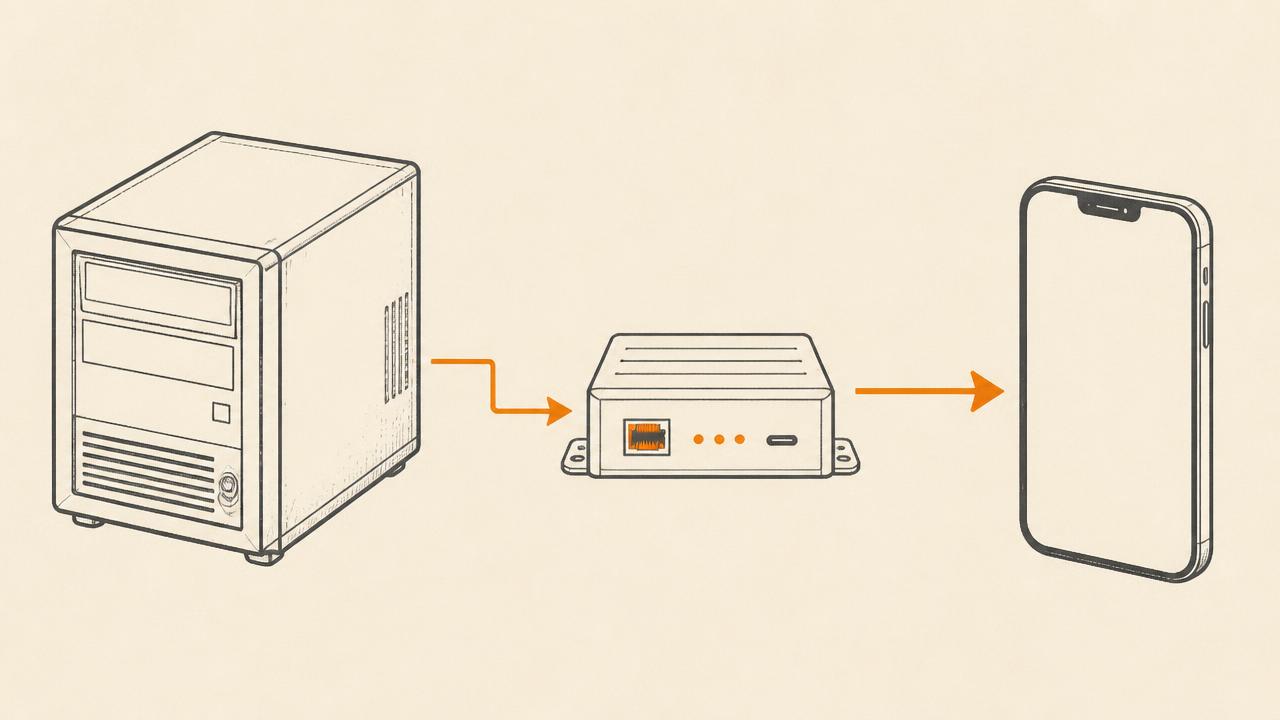
Built for the floor, not the boardroom.
What changes from Monday morning.
- 07:40
Overnight sync has already run
Yesterday's sales are in, stock is adjusted, and the morning brief says what moved and what's about to run out.
- 08:15
Pick list, not guesswork
Staff open the Pick tab, scan and swipe as they fill the shelves. Every action is logged against their name.
- 11:30
Price check on the floor
A customer holds up an unlabelled box. Scan, answer, sell — without leaving them standing there.
- 14:00
Invoice lands, catalogue updates
Drop the supplier's spreadsheet in. New lines added, changed costs updated, repeat lines merged, photos extracted.
- 17:45
Tomorrow's order, already drafted
The AI forecast reads 30 days ahead and tells you what to buy first, how many, and why.

Not a chatbot. A buyer who never forgets last season.
Every AI feature here answers a question you already ask out loud in the stockroom — using your sales, your costs and your season, not generic advice.
Work it out on your own numbers, not ours.
We don't publish a payback figure, because we haven't measured one across real shops yet. Put your own margin against the rows above — and the app measures the real version for you in Reports.
No customer stories here yet.
PosBridge is new. Rather than invent quotes, we've left this space empty until real shops have run the product through a full Halloween and Christmas season. When they have, their words and their numbers go here — named, and with their permission.
If you'd like to be one of those first stores, start with your own data and judge it on what it does in your shop.
Operational Tiers
No POS overhaul. No enterprise contract. Month-to-month, cancel any time.
Starter
1 user · 1 shop floor
Stop walking to the back office.
- Barcode scan, item-code & description live search
- Price, cost, margin and stock on one screen
- Manual stock adjustments with full history
- CSV / spreadsheet import of your catalogue
- Works offline on the phone
- AI keyword tagging so staff find things by any word
Pro
Up to 5 users · 1 location
The whole team, replenishing daily.
- Everything in Starter
- Nightly sync — sheet, folder watcher or agent
- Rolling pick list for warehouse replenishment
- Low-stock and hook-capacity reorder rules
- Planning calendar with season countdowns
- Customer asks with WhatsApp / SMS follow-up
- "Ask your stock" — plain-English answers from your own numbers
Command
Unlimited users · multi-location
Run several stores like one.
- Everything in Pro
- Unlimited staff with owner / manager / staff roles
- Pick audit trail — who picked what, when
- Stock counts with variance sheets
- Reports: best sellers, dead stock, days of cover
- Supplier invoice import and priority support
- AI 30-day forecast and ordering plan
| What you get | Starter$29/mo | Pro$69/mo | Command$99/mo |
|---|---|---|---|
| Users included | 1 | 5 | Unlimited |
| Locations | 1 | 1 | Unlimited |
| Scan, search, price & cost check | Yes | Yes | Yes |
| Nightly automatic sync | — | Yes | Yes |
| Folder watcher / desktop agent | — | Yes | Yes |
| Warehouse pick list | — | Yes | Yes |
| Customer asks & WhatsApp follow-up | — | Yes | Yes |
| Planning calendar | — | Yes | Yes |
| Roles & pick audit trail | — | — | Yes |
| Stock counts & variance | — | — | Yes |
| Reports & dead stock | Basic | Basic | Full |
| Products | 2,000 | 25,000 | Unlimited |
| AI keyword tagging | Yes | Yes | Yes |
| AI "ask your stock" answers | — | Yes | Yes |
| AI 30-day forecast & ordering plan | — | — | Yes |
| Support | Priority |
Common objections. No hedging.
It only ever reads. Your data reaches us as a file your system already produces — a scheduled report, a stock export, a backup, or a daily Google Sheet — picked up either by you or by a small folder-watcher script on the shop PC. Nothing is written back into the POS database, so the till keeps behaving exactly as it does today.
Yes — that's a common position after buying an existing business. You only need something you can export or print: a CSV, an Excel report, or a backup file. Direct database access is an optional upgrade for people who happen to have it, never a requirement.
The first upload is one step — drop in an export or a few supplier invoices and your catalogue is live. Automating it is a short job: download the folder-watcher script from the Connect tab, run it once, and point your POS's scheduled report at that folder. Every connection has a test-file preview so you can see exactly how your columns map before anything is saved.
You see it, in plain language. Each connection has a run-now button, a progress bar, live logs and a next-scheduled time. Rows that can't be read are listed individually with the reason, and one Retry failed button re-processes only those rows once you've fixed them. There's also a global pause switch so you can stop every automatic job without losing your settings.
That's what it was built for. The catalogue is cached on each phone so scanning keeps working in stockroom dead-spots, and any change you make queues and syncs when signal returns. Syncs run in parallel with batched writes, so a big overnight file doesn't slow the morning down.
Roles are owner, manager and staff. Staff can scan, pick and adjust; managers can approve and report; owners control access and can revoke a person instantly. Every pick, count and adjustment is stamped with a name and time, so variance is traceable rather than argued about.
A full POS migration is a large one-off cost and pulls your team off the floor for weeks — during which you're relearning the till in the middle of a season. PosBridge changes nothing about how you take money, and you can cancel month to month if it isn't earning its keep.